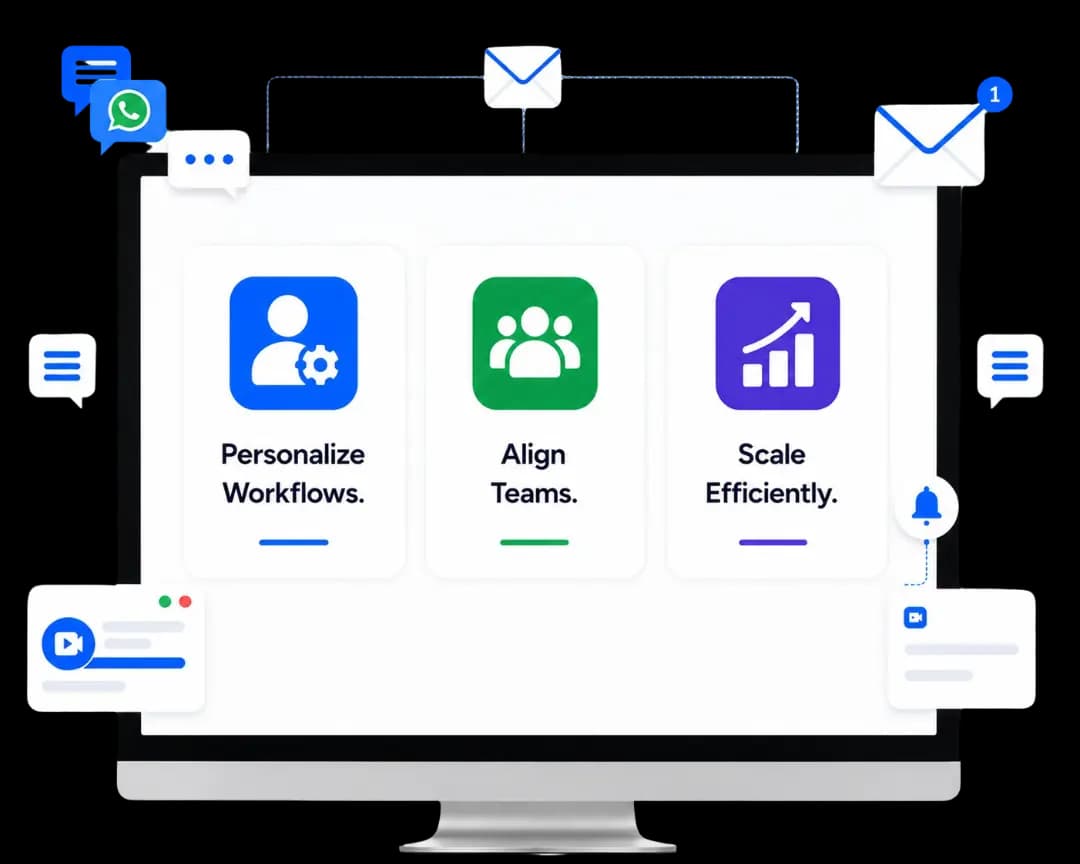
Personalize Workflows.
Align Teams.
Scale Efficiently.
Advanced User Settings add a user-level personalization layer to your real estate CRM, allowing every user to tailor the system to how they work. Sales agents, managers, and site teams can personalize views, navigation, and notifications without impacting core R2 processes or data integrity.
Work Your Way. Sell Faster. Stay Aligned.
Advanced User Settings ensure every real estate role operates in a workspace designed for speed, clarity and execution driving higher productivity across teams.
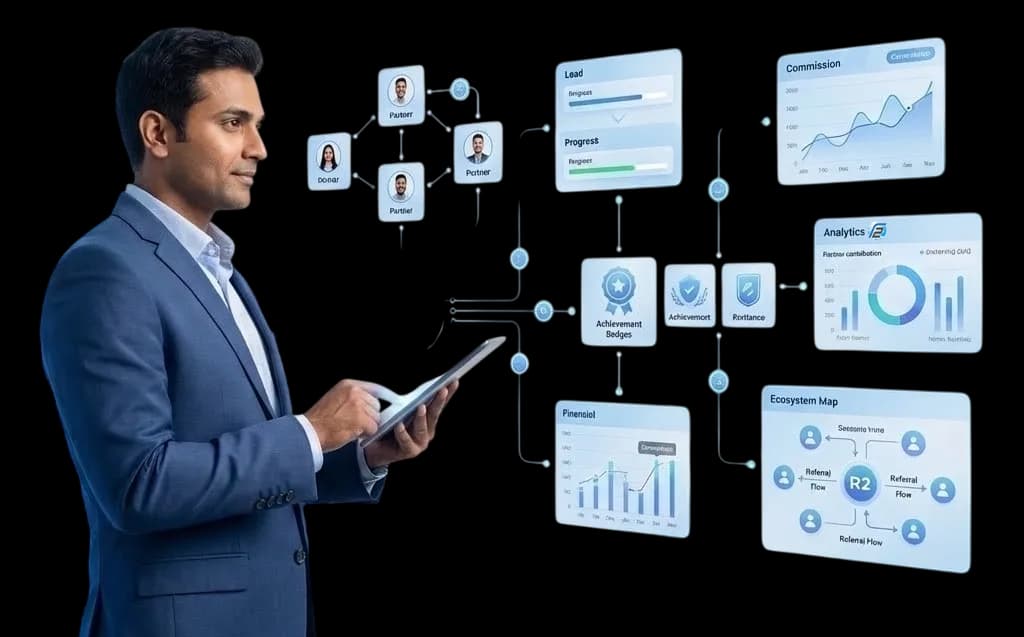
About This Feature
Advanced User Settings combine user-level personalization with system control, allowing individuals to optimize layouts, communication preferences, regional formats while standard workflows and governance remain enforced across the R2.
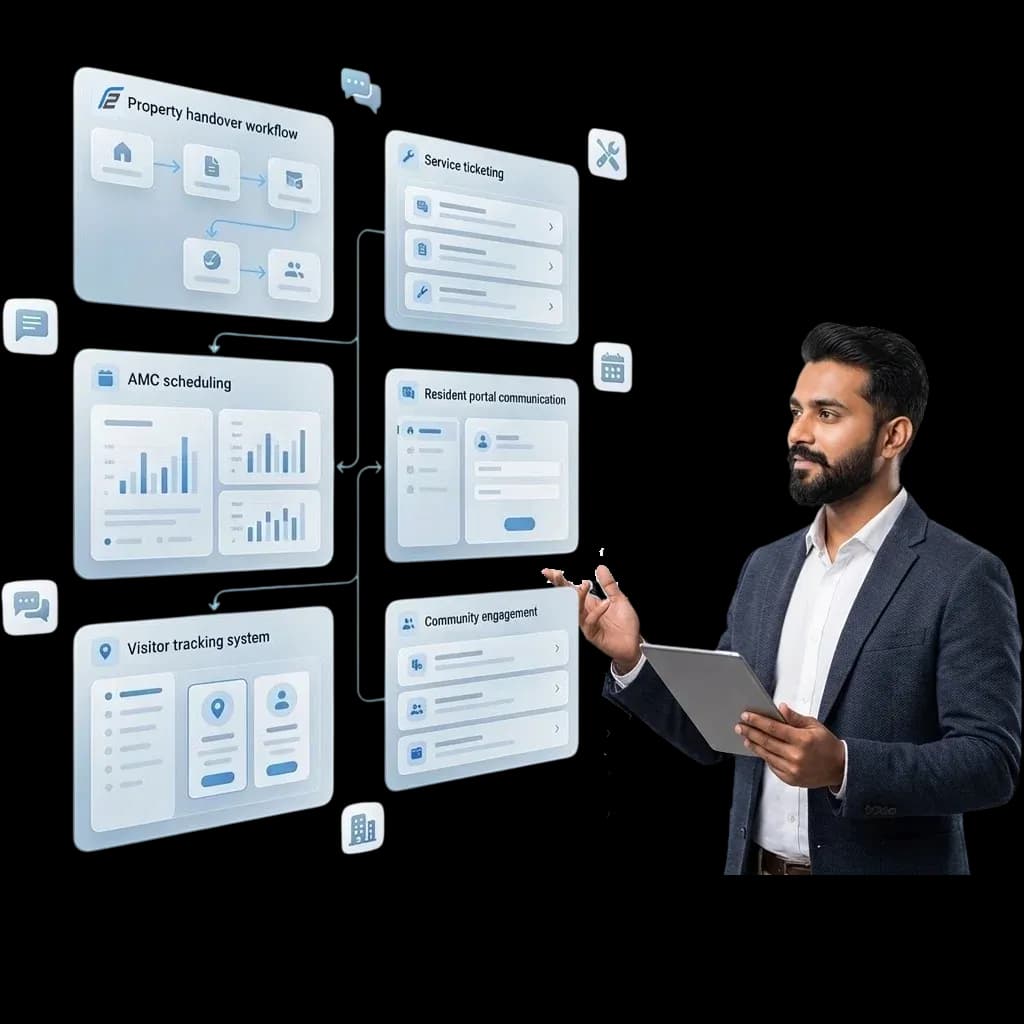
What Makes Advanced User Settings
Essential for Real Estate

Role-Based Workspace Personalization
Sales teams focus on hot enquiries and follow-ups, managers track pipelines, and site teams manage visits and handovers.
Regional & Operational Preferences
Configure time zones, date formats, currencies, and record density to support multi-city and multi-project sales operations.
Custom Navigation & Quick Access
Pin frequently used modules like Enquiries, Site Visits, Deals, or Collections for faster daily execution.
Communication & Notification Control
Manage email signatures, activity alerts, follow-up reminders, and communication tracking at an individual level.
Role-Based Workspace Personalization
Sales teams focus on hot enquiries and follow-ups, managers track pipelines, and site teams manage visits and handovers.
Role-Based Workspace Personalization
Sales teams focus on hot enquiries and follow-ups, managers track pipelines, and site teams manage visits and handovers.
Regional & Operational Preferences
Configure time zones, date formats, currencies, and record density to support multi-city and multi-project sales operations.
Custom Navigation & Quick Access
Pin frequently used modules like Enquiries, Site Visits, Deals, or Collections for faster daily execution.
Communication & Notification Control
Manage email signatures, activity alerts, follow-up reminders, and communication tracking at an individual level.
Real-Life Scenario for a
Real Estate Sales Team
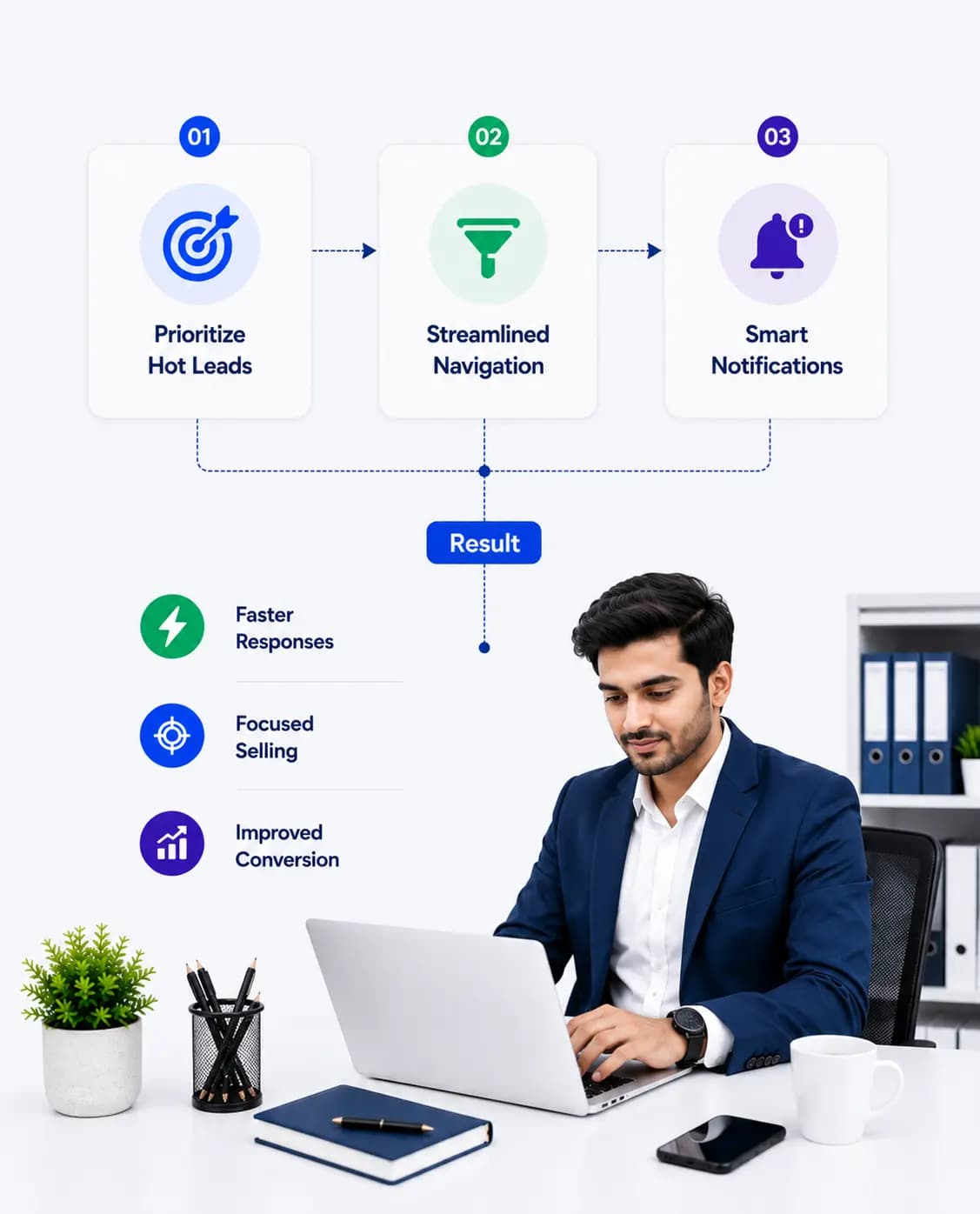
A sales agent manages hundreds of enquiries across multiple projects. Without Advanced User Settings, dashboards are cluttered, and navigation slows response time.
 With Advanced User Settings:
The agent prioritizes hot leads and overdue follow-ups
Navigation is streamlined to core sales actions
Notifications align with daily selling tasks
Result:
Faster responses, focused selling, and improved conversion consistency.
Proven Business Impact
Higher R2 Adoption Across Roles
Faster Daily Execution for Sales Teams
Reduced Operational Friction
Improved Data Accuracy & Discipline
Better Alignment Between Users and Processes
Higher R2 Adoption Across Roles
Faster Daily Execution for Sales Teams
Reduced Operational Friction
Improved Data Accuracy & Discipline
Better Alignment Between Users and Processes

Build a User-Centric Real Estate CRM
Give every role the right view, the right controls, and the right focus without
compromising system governance.